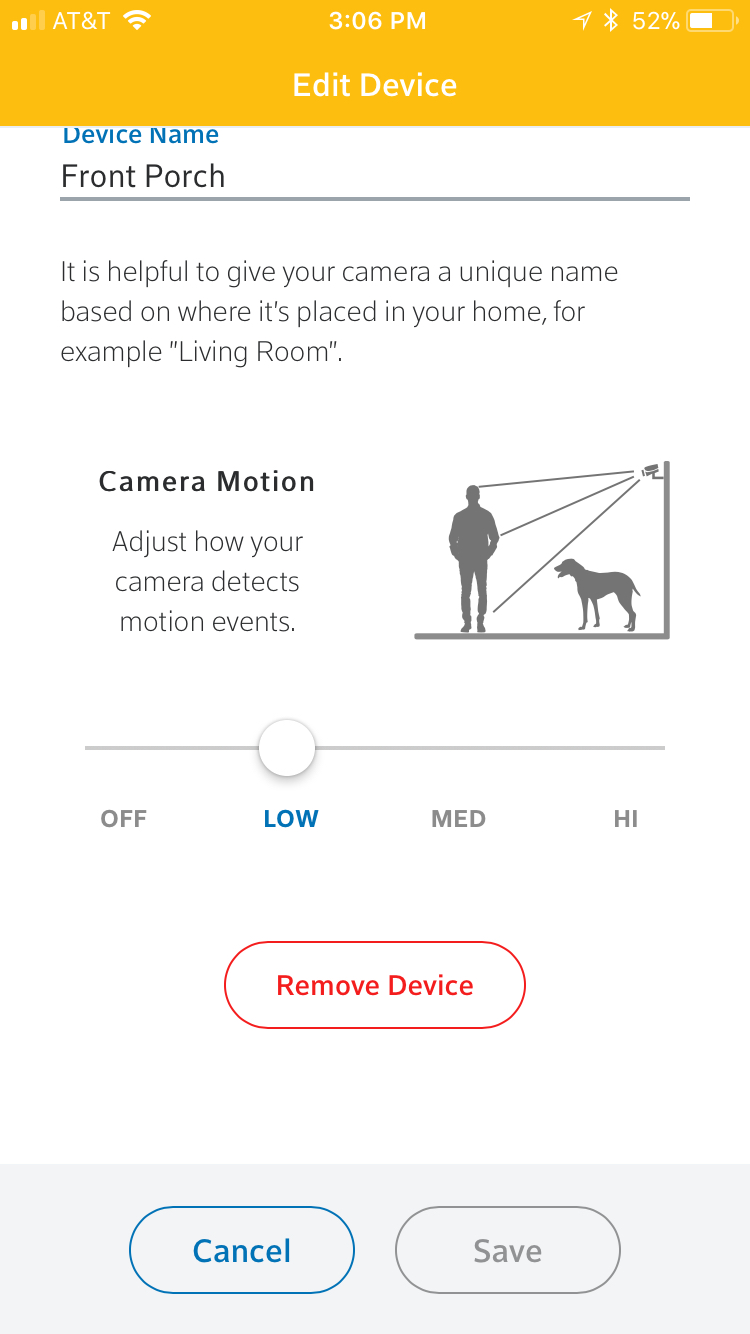
Carbon Monoxide Sensors, Door and Window Sensors, Glassbreak Sensors, Home Automation Cameras, Home Automation Door Locks, Home Automation Lighting, Home Automation Thermostats, Motion Sensors, Smoke Sensors, Water Sensors Removing a Device from your Home Automation Hub Clint Wolford February 14, 2018 Launch your app and navigate to More > Manage Devices > and select the device you wish to remove. Scroll down and select “Remove Device” Related PostsContent AreaDeleting/Modifying a SensorVisonic MCT-340 Slim Line SensorDefaulting the Visonic MCT-340 Door/Window SensorVisonic Glassbreak SensorSercomm RC8021 Camera Related ← Adding a Camera Removing a Device from your Touchscreen →